Azure AI Services for Enterprise Automation and Analytics: A Comparison

Azure AI Services for Enterprise Automation and Analytics: A Comparison

Enterprise automation is shifting from siloed scripts to intelligent, data‑driven workflows that span finance, marketing, operations, and customer experience. Azure AI services now provide a modular platform where organizations can combine prebuilt models, custom machine learning, and scalable data infrastructure to automate decisions, not just tasks, across thousands of daily transactions and interactions.

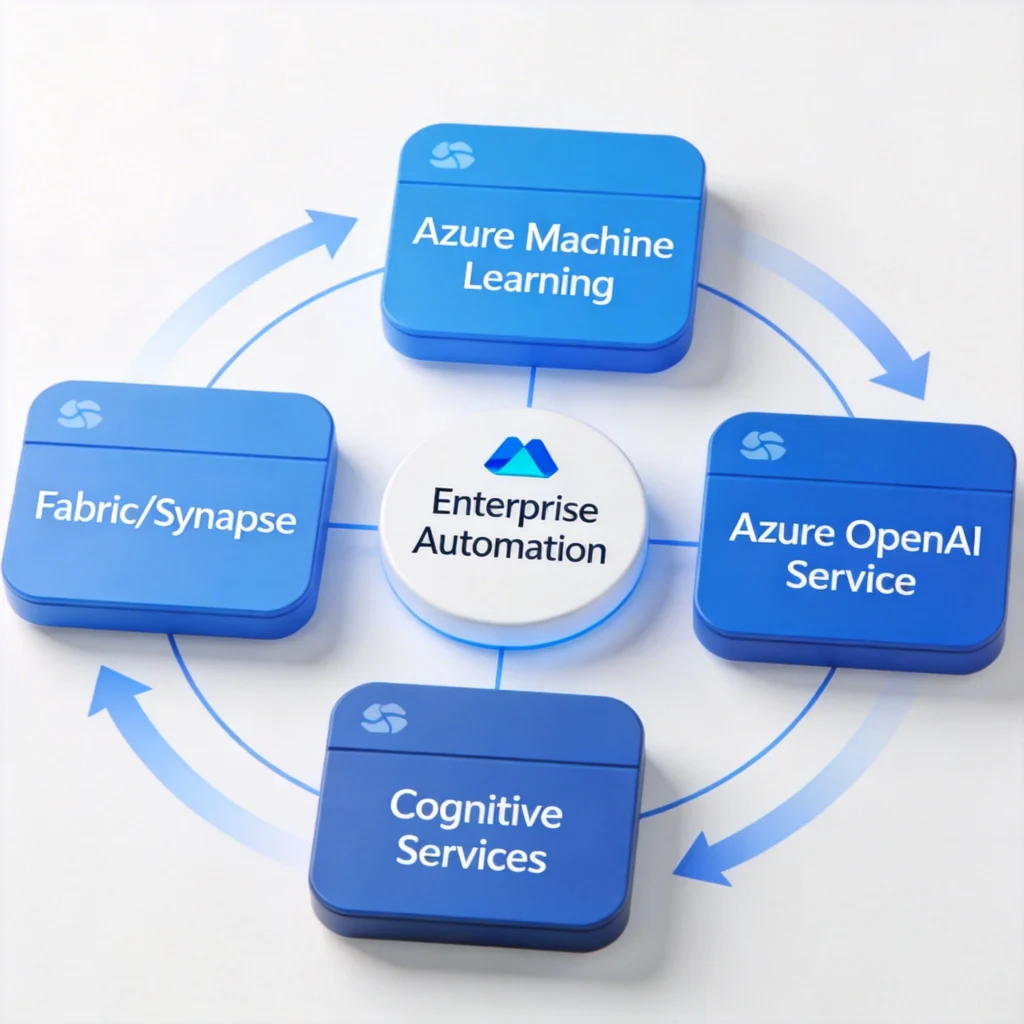
Azure AI services give enterprises a consistent foundation for building automation and analytics that can be governed centrally yet deployed locally in each business unit. By combining Azure Machine Learning, Azure OpenAI Service, Cognitive Services, and Fabric or Synapse, organizations can standardize data pipelines, models, and APIs while still tailoring logic for accounts payable, marketing, or customer support workflows.

Many enterprises consume these capabilities through managed data analytics services and industry‑focused partners. Providers bundle Azure AI with integration, MLOps, and change management so internal teams can focus on business rules instead of infrastructure. Understanding how core Azure components compare helps IT and data leaders decide where to build in‑house and where to leverage external automation services.

As automation initiatives mature, leaders must align Azure AI selection with security, compliance, and cost constraints. That means evaluating not just model accuracy, but also tenancy isolation, data residency, and per‑1,000‑call pricing. The most successful programs treat Azure AI as a shared platform, governed by enterprise standards yet delivered through a mix of internal development and managed service providers.

1
azure ai services

Overview of Azure AI Services for Enterprise Automation

Overview of Azure AI Services for Enterprise Automation

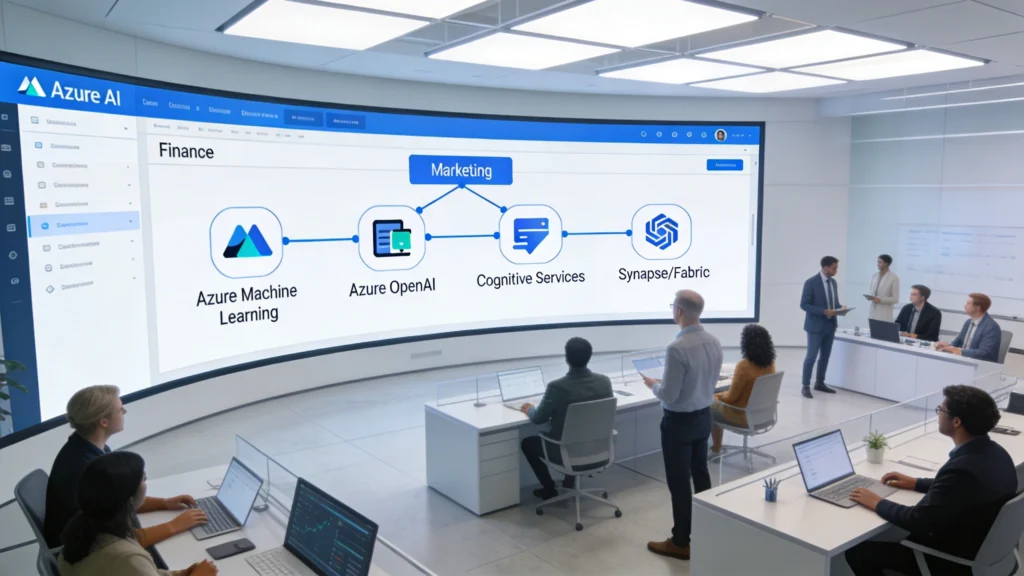
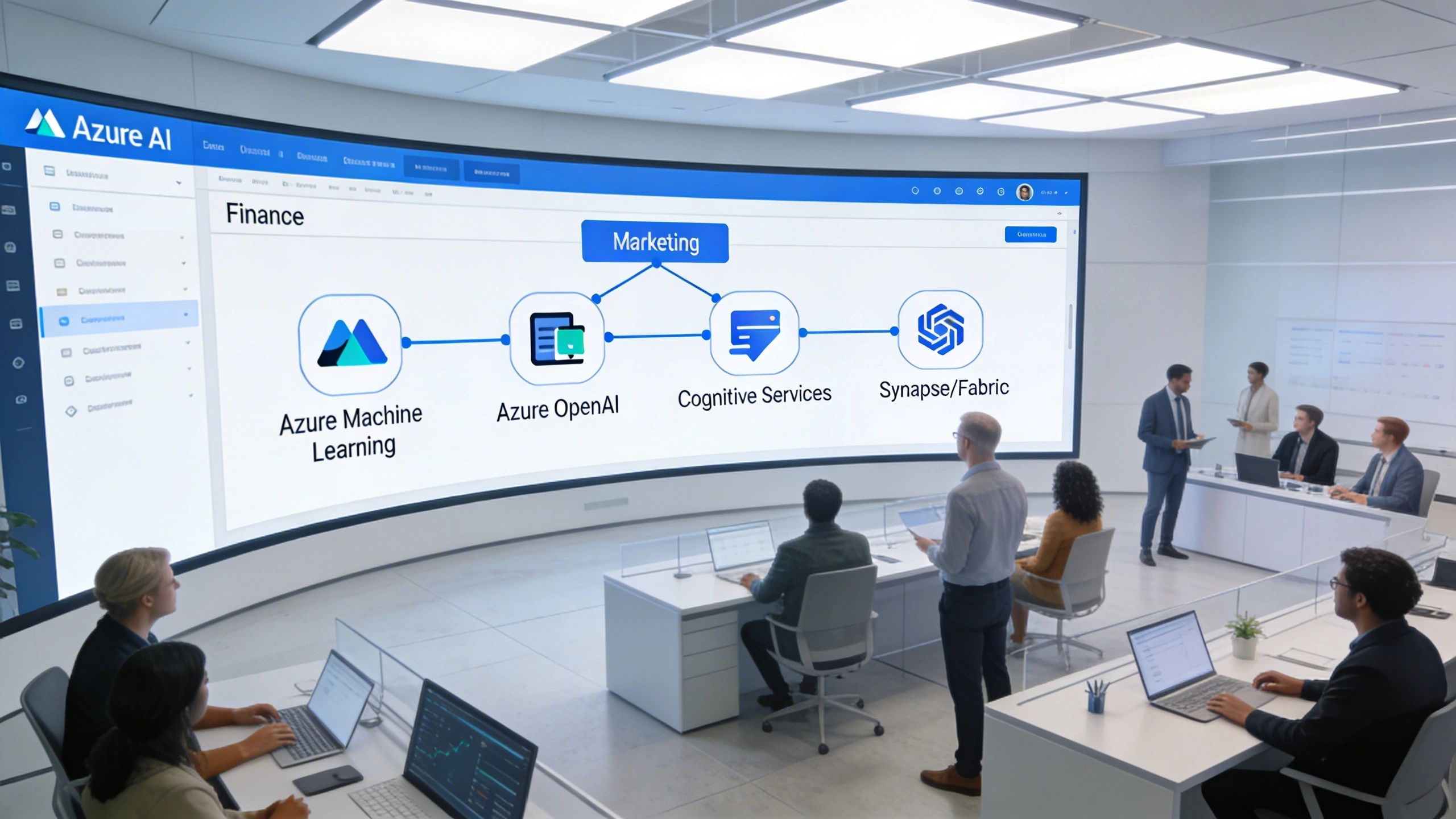
At a high level, Azure AI services form a modular ecosystem that supports end-to-end enterprise automation. Azure Machine Learning, Azure OpenAI Service, Cognitive Services, and Fabric or Synapse can be combined like building blocks, giving organizations a consistent platform for orchestrating data ingestion, model training, inference, and monitoring across multiple business domains and regions.

Azure AI services span low‑code APIs, customizable models, and full machine learning platforms, allowing enterprises to automate everything from invoice capture to predictive maintenance. For automation, the crucial factor is how these services integrate with existing systems like Dynamics 365, SAP, Salesforce, and legacy ERPs, while maintaining consistent identity, logging, and compliance policies across all workloads.

Key Components in the Azure AI Portfolio

Azure Machine Learning supports custom models and MLOps, while Cognitive Services and Azure OpenAI Service provide prebuilt capabilities for vision, language, and generative AI. Azure AI Search adds semantic search over millions of documents, and services like Form Recognizer specialize in document extraction. Together, they enable automation scenarios ranging from chatbots to end‑to‑end AP automation services.

How Azure AI Connects to Enterprise Systems

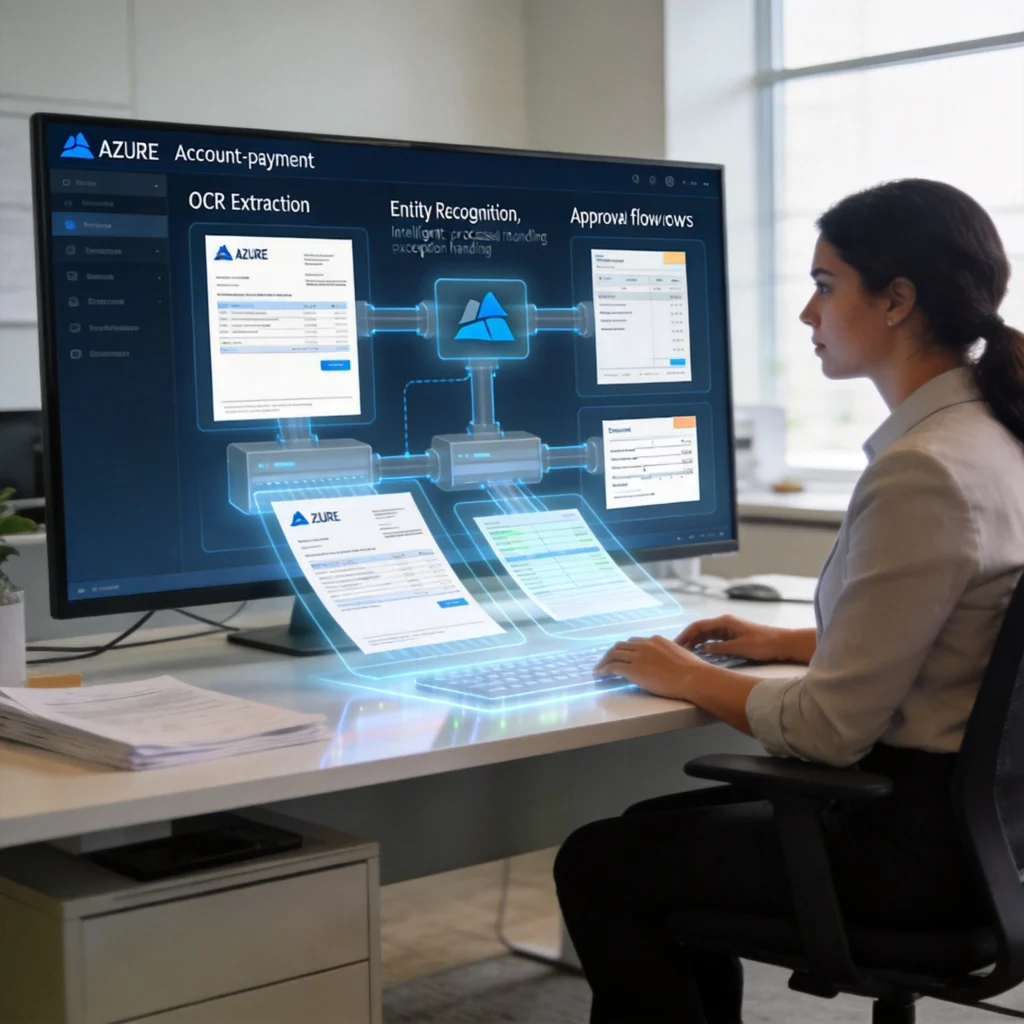
Automation value emerges when Azure AI services connect to operational systems through Logic Apps, Power Automate, and Azure Functions. For example, a Form Recognizer model can trigger a workflow that posts invoices into SAP within 2–3 seconds. Centralized monitoring in Azure Monitor and Application Insights then tracks latency, error rates, and throughput across thousands of automated transactions per hour.
2
data analytics services

Comparing Core Azure AI Services for Data Analytics Services

Data analytics services on Azure typically combine storage, compute, and AI capabilities to transform raw data into decisions. Azure Machine Learning, Azure Synapse Analytics or Fabric, and Cognitive Services contribute differently to this stack. Understanding their roles helps enterprises decide whether to prioritize custom modeling, prebuilt AI, or large‑scale analytical processing when designing automation roadmaps.

Comparing Core Azure AI Services for Data Analytics Services

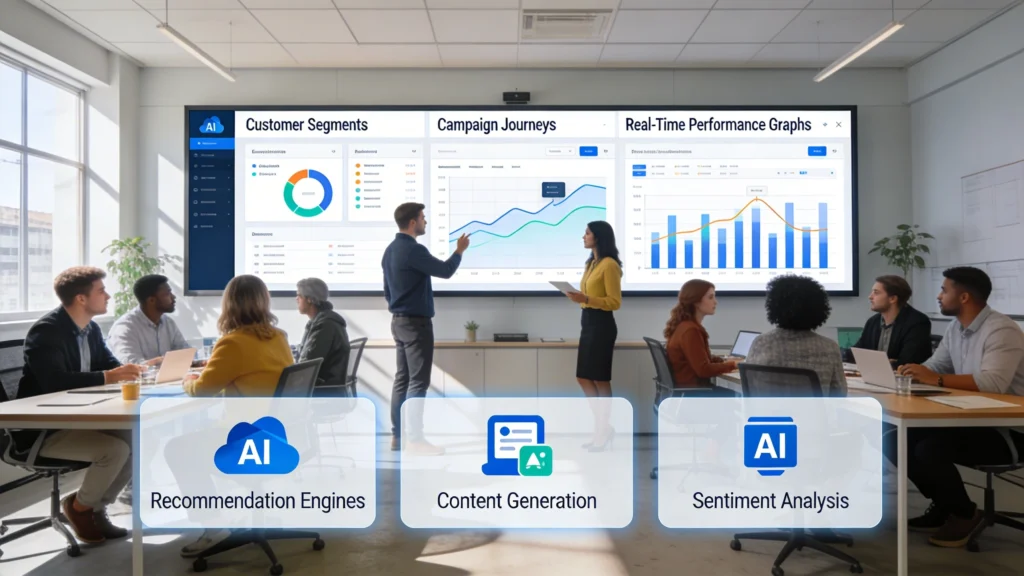
Marketing automation gains new depth when powered by Azure AI services. Azure OpenAI can generate and personalize campaign content, while Cognitive Services analyze sentiment and engagement signals across channels. Combined with unified customer data in Fabric or Synapse, marketers can orchestrate targeted journeys, optimize spend, and continuously refine strategies based on real-time behavioral insights.

Analytics Building Blocks and Their Roles

Azure Machine Learning focuses on model development, training, and deployment, supporting frameworks like scikit‑learn, PyTorch, and TensorFlow. Synapse or Fabric provide distributed SQL, Spark, and data warehousing for petabyte‑scale analytics. Cognitive Services and Azure OpenAI Service expose models via REST APIs, which data analytics services can call directly from pipelines to enrich data with sentiment, classification, or summaries.

How Azure AI Underpins Managed Analytics Services

Managed data analytics services often standardize on Azure Machine Learning for model hosting and Fabric for unified data storage. Providers build reusable templates for customer churn, fraud detection, or demand forecasting that can be deployed in weeks instead of months. They then expose KPIs through Power BI, enabling business leaders to monitor automation outcomes, such as reduced manual review rates or improved forecast accuracy.

3
ap automation

Azure AI Services for Intelligent Document and AP Automation

Azure AI Services for Intelligent Document and AP Automation

Intelligent document processing is a natural fit for Azure AI, especially in accounts payable. Cognitive Services extract text and key fields from invoices, Azure Machine Learning models classify and validate entries, and workflow logic routes exceptions for review. This combination reduces manual keying, speeds up approvals, and improves accuracy across high-volume financial operations.

Document‑heavy processes like accounts payable, claims processing, and contract management benefit significantly from Azure AI services specializing in vision and language. Intelligent document processing combines optical character recognition, layout understanding, and business rule validation, enabling AP automation services to reduce manual keying by 70–90% and accelerate month‑end close cycles by several days in large enterprises.

Key Azure Services for Document Workflows

Azure AI Document Intelligence (formerly Form Recognizer) extracts headers, line items, and totals from invoices, purchase orders, and receipts. Azure Cognitive Services for Language classifies documents, detects entities like vendors and payment terms, and validates against master data. Azure OpenAI Service can generate explanations or exception summaries, helping AP analysts resolve discrepancies faster while keeping humans in control of final approvals.

  • Use Document Intelligence prebuilt invoice model to achieve 80–95% field accuracy on common invoice formats within days.
  • Combine layout and custom classifiers to route contracts, NDAs, and SOWs to appropriate legal queues with minimal manual triage.
  • Integrate extracted invoice data with Dynamics 365 Finance or SAP via Logic Apps, reducing duplicate entry and posting delays.
  • Leverage Azure OpenAI to draft vendor query emails for discrepancies, letting AP staff review instead of writing from scratch.

By orchestrating these services with Power Automate and Azure Functions, organizations can build end‑to‑end AP automation services. Exceptions above a configurable threshold, such as price variances over 5% or missing purchase orders, are routed to human reviewers. This hybrid model maintains financial controls while scaling invoice throughput from hundreds to tens of thousands per month without linear headcount growth.

4
Azure AI

Using Azure AI Services to Enhance Marketing Automation Services

Marketing automation services increasingly rely on predictive and generative AI to personalize experiences across email, web, and sales outreach. Azure AI services provide the modeling, content generation, and decisioning capabilities behind these experiences, while tools like Dynamics 365 Customer Insights or external platforms orchestrate journeys. The goal is to move from static segments to real‑time, behavior‑based targeting.

Using Azure AI Services to Enhance Marketing Automation Services

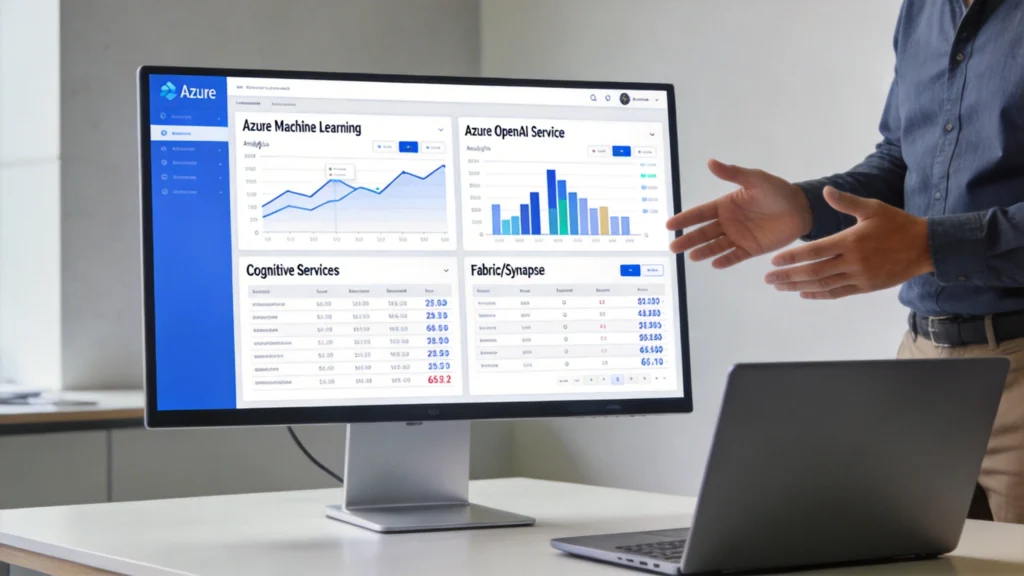
When evaluating data analytics capabilities, enterprises often compare how each Azure AI service contributes to insight generation. Azure Machine Learning focuses on custom models and experimentation, while Azure OpenAI enables natural language analytics. Cognitive Services provide prebuilt capabilities, and Fabric or Synapse unify storage, transformation, and reporting, creating a layered analytics stack that scales with business complexity.

Personalization, Propensity, and Next‑Best‑Action

Azure Machine Learning can train propensity models predicting open, click, or purchase probability using features like recency, frequency, and monetary value. Azure OpenAI Service personalizes subject lines and body copy, constrained by brand guidelines embedded in prompts. Cognitive Services for Language analyzes sentiment from surveys or social channels, feeding back into models that determine next‑best‑action across channels and time windows.

Effective marketing automation on Azure pairs predictive models for who and when with generative AI for what and how, ensuring every interaction balances conversion lift with regulatory and brand constraints.

  • Use Azure ML to score 10–50 million contacts nightly, exporting top deciles into marketing platforms like HubSpot or Adobe.
  • Apply Azure OpenAI to generate 5–10 message variants per segment, then A/B test for uplift over a 2–4 week period.
  • Analyze customer sentiment using Cognitive Services on support tickets, routing detractors into retention campaigns within hours.
  • Deploy real‑time APIs that return next‑best‑action in under 200 milliseconds for website and contact‑center integrations.
5

Build vs Buy: Native Azure AI Services vs Managed Data Analytics Services

Enterprises must decide whether to build automation solutions directly on Azure AI services or consume them through managed data analytics services and industry‑specific providers. The trade‑off centers on control versus speed: in‑house builds maximize customization and IP ownership, while managed services compress implementation timelines and reduce the need for scarce AI engineering talent.

Build vs Buy: Native Azure AI Services vs Managed Data Analytics Services

Comparative View of Build vs Managed Approaches

The following table contrasts typical characteristics of building directly on Azure versus adopting managed services that run on Azure under the hood. Values are based on common enterprise scenarios with 5–20 automation use cases, mid‑sized data science teams, and multi‑region deployments supporting thousands of internal users.

DimensionNative Azure BuildManaged Services on AzureTypical TimeframeIndicative Cost Range (Year 1)
Initial Deployment Speed6–12 months for first production use case8–16 weeks for packaged solutions2–12 months$300k–$1.2M including internal effort
Customization LevelFull control over models, pipelines, and infraConfigurable within provider’s templatesOngoing$150k–$600k subscription and services
Required Internal SkillsData engineers, ML engineers, architectsProduct owners, analysts, process SMEsContinuousTraining $50k–$200k for internal teams
Operational ResponsibilityEnterprise owns MLOps and SRE functionsProvider handles SLAs and monitoringOngoingOps $100k–$400k annually
Regulatory AlignmentCustom controls, more design effortPre‑certified patterns, faster audits3–9 monthsCompliance projects $80k–$250k
Innovation PaceDepends on internal roadmap capacityVendor updates shared across clientsQuarterlyR&D allocation 5–10% of budget

Organizations often adopt a hybrid strategy: core, differentiating models such as proprietary risk scoring are built natively on Azure AI services, while horizontal capabilities like AP automation services or generic churn models are sourced from managed providers. This approach balances IP control with predictable timelines, allowing scarce internal talent to focus on areas where custom analytics drive measurable competitive advantage.

6

Security, Compliance, and Governance in Azure AI Services

Security, Compliance, and Governance in Azure AI Services

Regulated enterprises must ensure Azure AI services align with frameworks like ISO 27001, SOC 2, HIPAA, and GDPR. Azure provides regional data residency, customer‑managed keys, and private networking, but correct configuration is critical. Misconfigured identities or logging can expose sensitive data, especially when AI services process invoices, health records, or behavioral marketing data at large scale.

Security and Compliance Controls

Azure AI resources integrate with Azure Active Directory for role‑based access control and conditional access policies. Private endpoints restrict traffic to virtual networks, while customer‑managed keys in Azure Key Vault encrypt data at rest. Many services, including Azure Machine Learning and Cognitive Services, support logging to Azure Monitor and Defender for Cloud, enabling centralized detection of anomalous access patterns and data exfiltration attempts.

Effective AI governance combines Azure’s technical controls with clear data classification, approved use‑case catalogs, and model risk management processes that document assumptions, limitations, and monitoring plans.

Model and Data Governance for AI Workloads

Enterprises should catalog models in Azure Machine Learning’s registry, tagging them with owners, training datasets, and validation metrics. Approval workflows can require sign‑off from risk, legal, and data owners before deployment. Periodic drift monitoring compares live performance against baselines, triggering retraining or rollback when metrics like precision or bias ratios deviate beyond predefined thresholds, such as 5–10% relative change.

7

Cost and Performance Considerations for Scaling Azure AI Services

Cost and performance optimization determine whether automation initiatives remain sustainable as workloads grow from pilot to enterprise scale. Azure AI services use combinations of per‑1,000‑calls, per‑token, and compute‑hour pricing. Without careful design, inference costs can increase linearly with transaction volumes, eroding savings from automation in areas like AP or marketing campaigns.

Cost and Performance Considerations for Scaling Azure AI Services

Comparing Cost Drivers Across Azure AI Components

The table below summarizes typical cost drivers across several Azure AI services used in automation and data analytics services. Values are indicative for North America regions and assume medium usage patterns. Actual pricing varies by region, commitment tiers, and reserved capacity, so enterprises should model multiple scenarios based on forecast transaction volumes.

ServicePrimary Pricing MetricExample RatePerformance ConsiderationsOptimization Levers
Azure OpenAITokens per request and response$0.002–$0.03 per 1,000 tokensLatency 100–400 ms per callPrompt optimization, caching, smaller models
Document IntelligencePages analyzed per month$1.50–$15 per 1,000 pagesThroughput up to thousands pages/hourBatching, pre‑classification, page filtering
Azure ML Online EndpointsvCPU and GPU hours$0.10–$3.60 per hourLatency 20–200 ms per predictionAutoscaling, right‑sizing, spot instances
Azure AI SearchReplica and partition hours$0.11–$1.60 per hourQuery latency under 200 ms typicalIndex tuning, caching, tier selection
Synapse/FabricDWUs or capacity units$1–$32 per hourBatch throughput and concurrencyWorkload isolation, pause/resume, compression
Cognitive Language1,000 text records or characters$1–$10 per 1,000 unitsLatency 50–300 ms per callBatch processing, sampling, reuse of scores

Architects should establish cost guardrails, such as maximum spend per invoice or per marketing contact, and monitor unit economics in Power BI. Techniques like response caching, prompt truncation, and batching can reduce Azure OpenAI costs by 30–50%. Autoscaling policies for Azure Machine Learning endpoints prevent overprovisioning during off‑peak hours, while reserved capacity can lower steady‑state compute costs by up to 40% for predictable workloads.

8

Choosing the Right Mix of Azure AI Services for Your Automation Roadmap

Choosing the Right Mix of Azure AI Services for Your Automation Roadmap

Selecting the right combination of Azure AI services requires mapping business outcomes to technical capabilities and delivery models. Rather than starting from tools, enterprises should inventory automation opportunities across finance, marketing, operations, and customer service, then prioritize by estimated savings, risk, and data readiness. This portfolio view guides which use cases justify custom builds versus standardized managed services.

Mapping Use Cases to Azure AI and Partner Capabilities

For AP automation services, Azure AI Document Intelligence and Logic Apps may suffice with minimal custom modeling. Marketing personalization might pair Azure Machine Learning for propensity scoring with Azure OpenAI for content generation. Complex risk or pricing engines often warrant fully custom models in Azure ML, possibly supported by a managed data analytics services partner that brings domain‑specific feature engineering and governance frameworks.

Roadmaps are most effective when they define a reference architecture per domain, standardizing Azure AI components, integration patterns, and partner roles to avoid one‑off solutions.

Operationalizing and Iterating Your Automation Strategy

Establish a cross‑functional automation council including IT, security, finance, marketing, and operations to review new AI use cases quarterly. Use consistent metrics—such as manual hours saved, error rate reduction, and incremental revenue—to compare initiatives. Over time, consolidate reusable components like identity integration, logging, and approval workflows, so each new Azure AI deployment builds on a hardened, well‑governed foundation.

“We help businesses construct intelligent digital futures. Contact us today — we’ll recommend the best transformation strategy.”

Office
8621 201 St Suite 240, Langley Twp, BC V2Y 0G9
Phone:  
+1 (672)-232-0498
ZA Technologies
Privacy Overview

This website uses cookies so that we can provide you with the best user experience possible. Cookie information is stored in your browser and performs functions such as recognising you when you return to our website and helping our team to understand which sections of the website you find most interesting and useful.